 BrewlightSpotlight, but for Homebrew
Searching 16,000 packages in 3 ms per keystroke
How Brewlight's search works, from byte buffers shaped so every kind of match is one memmem call, to a ranking packed into a single integer, to opening instantly by not asking brew.
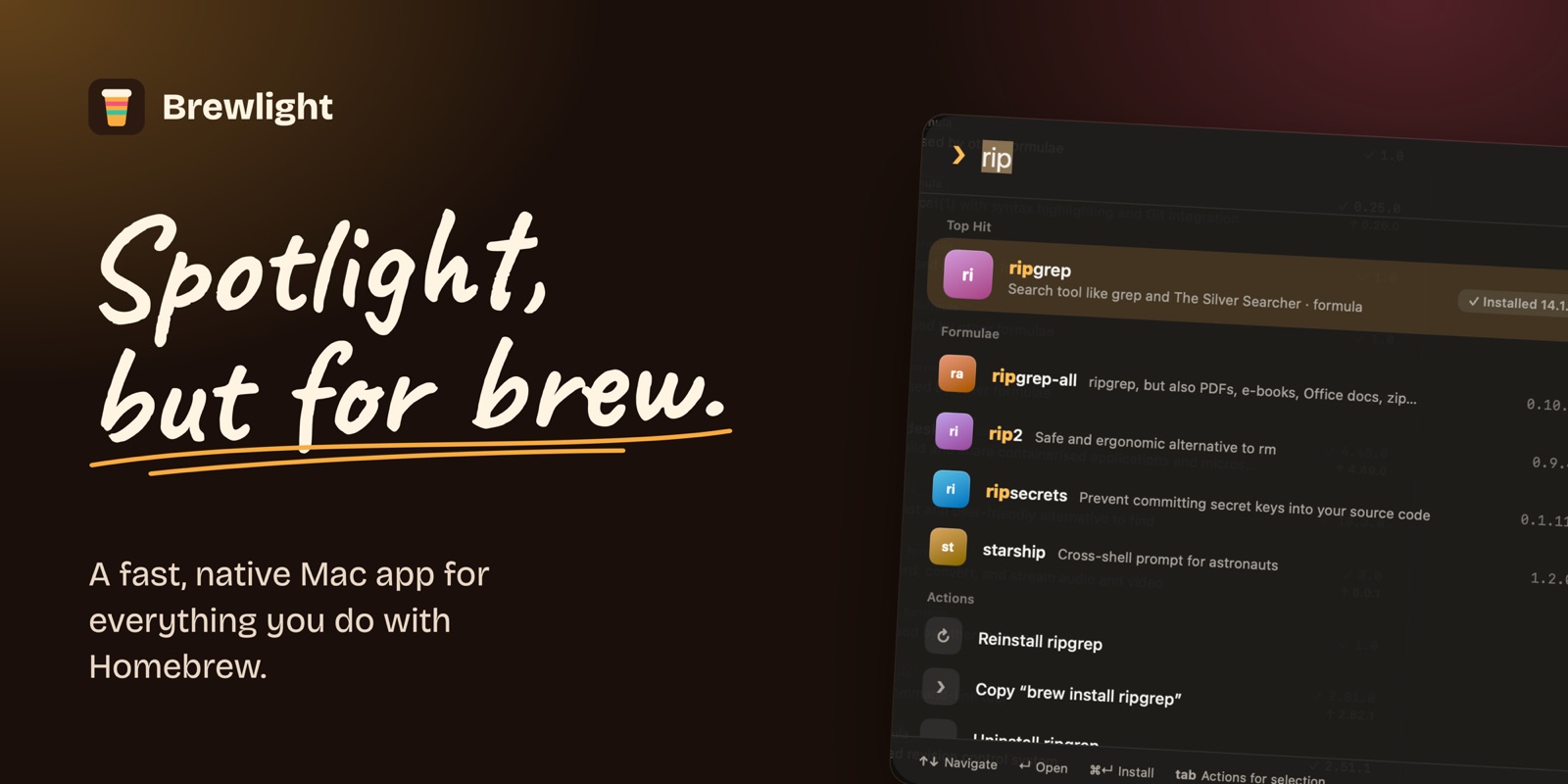
Brewlight is a Mac app for Homebrew. Press ⌘K, type, and it searches every formula and app in the catalogue as you type, then installs the one you pick in one click. The search box is the whole idea, so most of this post is about making it fast and making the first result the right one.
What it solves
Homebrew is excellent once you know the exact name of what you want. The parts around that are harder. brew search matches names, so you need to already know roughly what a package is called. Uninstalling an app leaves preferences, caches and support files behind. brew doctor assumes you know what its warnings mean.
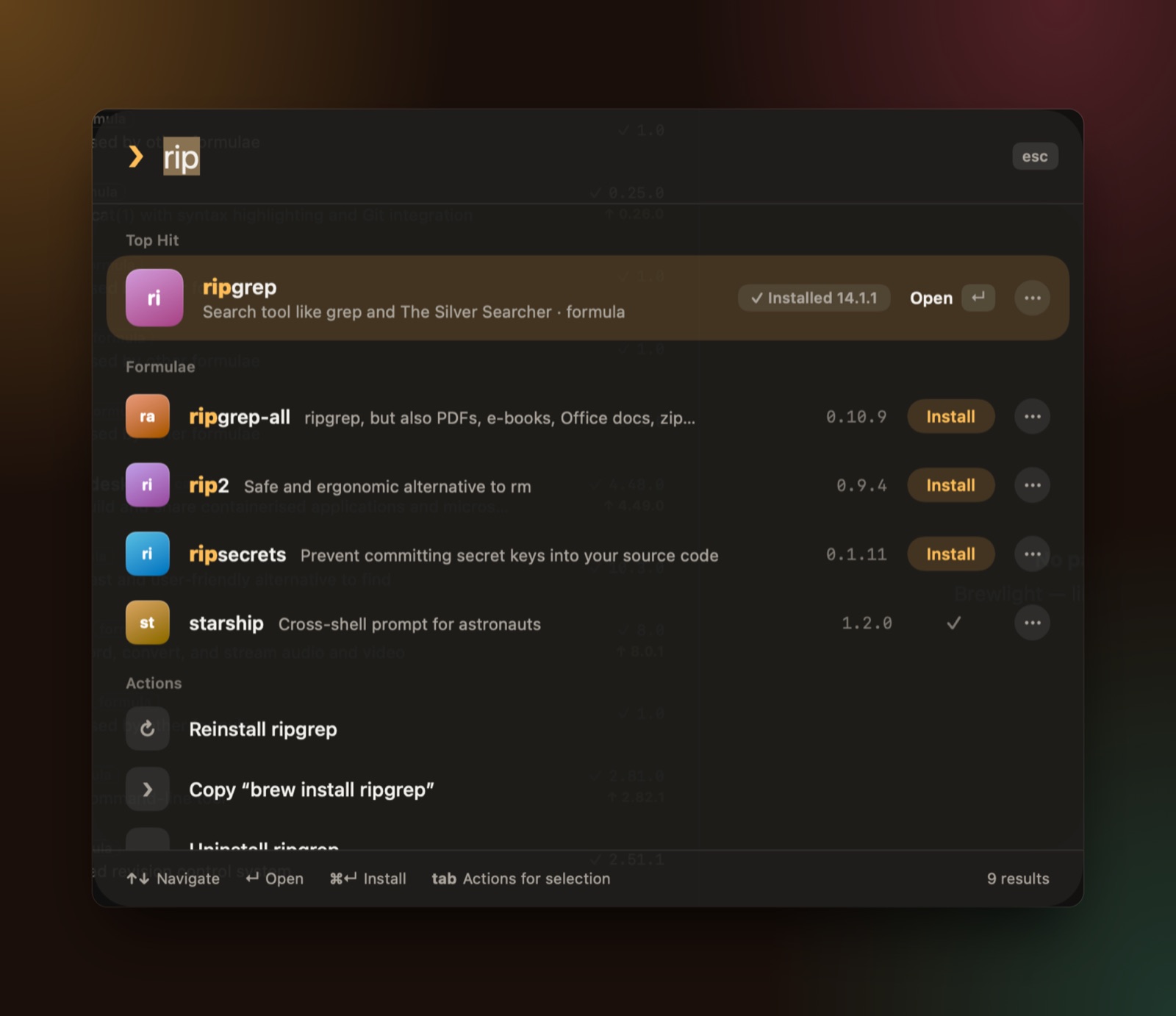
rip. The top hit is ripgrep, with install actions for related packages underneath.Brewlight puts all of that in one native window: a palette that searches packages and actions together, install, upgrade, pin and full removal with a list of every leftover file, services, taps, dependency trees, Brewfile import and export, plain-language explanations for brew doctor, and six languages. Every confirmation shows the exact brew command it’s about to run.
Built with
- Swift 6, with SwiftUI and AppKit, for macOS 26 and later.
- XcodeGen generates the Xcode project from a small config file.
- Performance tests that run against an optimised build and fail if an interaction goes over its time budget.
- A
-demolaunch flag that loads sample data, so the UI can be worked on without touching a real Homebrew install.
Not asking brew
The first speed problem has nothing to do with search. Running brew takes a noticeable moment to start, so a front end that shells out for every list feels slow no matter how good the rest is.
Brewlight mostly doesn’t ask. It reads Homebrew’s own API cache and the Cellar and Caskroom folders directly, keeps all of that off the main thread, and saves a snapshot of what it knew last time. On launch it shows the snapshot immediately and refreshes in the background. You never look at a spinner, and if anything changed, the list just updates.
Measured in a release build against a real install with 16,462 packages:
| Interaction | Time |
|---|---|
| Search, per keystroke | about 3 ms |
| Click a package | 17 to 25 ms |
| Switch to Discover | about 64 ms |
| Launch | window at once, packages in about 0.3 s |
One memmem per kind of match
A search has to answer several different questions for each package. Is the query the exact name? A prefix of the name? A prefix of one of the name’s parts, like node in node@20? A whole word in the description? Answering those with string APIs means lots of small allocations on every keystroke, 16,000 times over.
So when the catalogue loads, every field is lowercased once into a byte buffer shaped so that each question becomes a single memcmp or memmem call:
@ and spaces in names become dashes, and anything that isn't a letter or digit in a description becomes a space.Building those buffers is a single pass over each package:
let name = Self.lowerBytes(p.token)
var segs: [UInt8] = [UInt8(ascii: "-")]
for b in name { segs.append(b == 95 || b == 46 || b == 64 || b == 32 ? 45 : b) } // _ . @ space become -

var aliases: [UInt8] = [0]
for a in p.aliases + p.oldNames { aliases += Self.lowerBytes(a); aliases.append(0) }

var words: [UInt8] = [32]
for b in Self.lowerBytes(p.desc) {
    let alnum = (b >= 48 && b <= 57) || (b >= 97 && b <= 122) || b >= 128
    words.append(alnum ? b : 32)
}
words.append(32)
And the check itself is a thin wrapper over C’s memmem, with no copying:
@inline(__always)
static func contains(_ s: [UInt8], _ p: [UInt8]) -> Bool {
    guard s.count >= p.count, !p.isEmpty else { return false }
    return s.withUnsafeBytes { sb in
        p.withUnsafeBytes { pb in memmem(sb.baseAddress!, s.count, pb.baseAddress!, p.count) != nil }
    }
}
Ranking in tiers
Speed doesn’t make search feel right. The obvious answer has to come first. Brewlight scores each package by the best kind of match it has, in fixed tiers, and lets popularity lift packages only within a tier:
static func score(_ e: Entry, q: [UInt8], dashQ: [UInt8], spaceQ: [UInt8], nulQ: [UInt8], nulQnul: [UInt8], popularity: Int) -> Int {
    if e.name == q { return 1000 }
    if e.display == q { return 980 }
    if contains(e.aliases, nulQnul) { return 950 }
    let bonus = popularityBonus(popularity)
    if hasPrefix(e.name, q) { return 720 + bonus - min(e.name.count - q.count, 20) }
    if contains(e.aliases, nulQ) { return 700 + bonus }
    if hasPrefix(e.display, q) { return 700 + bonus }
    if contains(e.segments, dashQ) { return 690 + bonus - min(e.name.count - q.count, 20) }
    if contains(e.name, q) { return 500 + bonus / 3 }
    if q.count >= 2 && contains(e.words, spaceQ) { return 300 + bonus / 3 }
    if q.count >= 3 && contains(e.host, q) { return 250 }
    if q.count >= 4 && contains(e.words, q) { return 200 }
    return 0
}Popularity is log10(installs) × 25, capped at 150, so a million installs is worth about 150 points. That’s enough to put node above an obscure node-something within the prefix tier, but never enough to jump a tier.
The sort is one more small trick. Instead of a comparator that checks score, then popularity, then name length, each hit gets one 64-bit key with all three packed in, and the sort compares integers:
var keyed = hits.map { h -> (key: Int64, hit: Hit) in
    let pop = Int64(min(h.index < popularity.count ? popularity[h.index] : 0, (1 << 30) - 1))
    let len = Int64(min(entries[h.index].name.count, 255))
    return ((Int64(h.score) << 40) | (pop << 8) | (255 - len), h)
}
keyed.sort { $0.key > $1.key }
Fuzzy matching, where the letters only need to appear in order, is the most expensive check, so it only runs when the direct matches are thin: fewer than 20 hits and a query of at least two letters.
Filters in the same box
The palette also understands filters, so type:cask is:outdated or cat:fonts mono work in the same field you type names into. Parsing is deliberately simple: split on spaces, peel off anything that looks like a filter, and search with what’s left:
for token in raw.split(separator: " ") {
    let t = String(token)
    let lower = t.lowercased()
    if lower.hasPrefix("tag:") { tags.append(String(t.dropFirst(4))) }
    else if lower.hasPrefix("tap:") { taps.append(String(lower.dropFirst(4))) }
    else if lower.hasPrefix("cat:") { categories.append(String(lower.dropFirst(4))) }
    else if lower == "is:outdated" { isOutdated = true }
    else if lower == "type:cask" { kind = .cask }
    // ...
    else { words.append(t) }
}
With several words, packages that match more of them rank first, and an exact match of the whole phrase ranks above everything else. A sentence like “an app to edit videos” is turned into filters before searching.
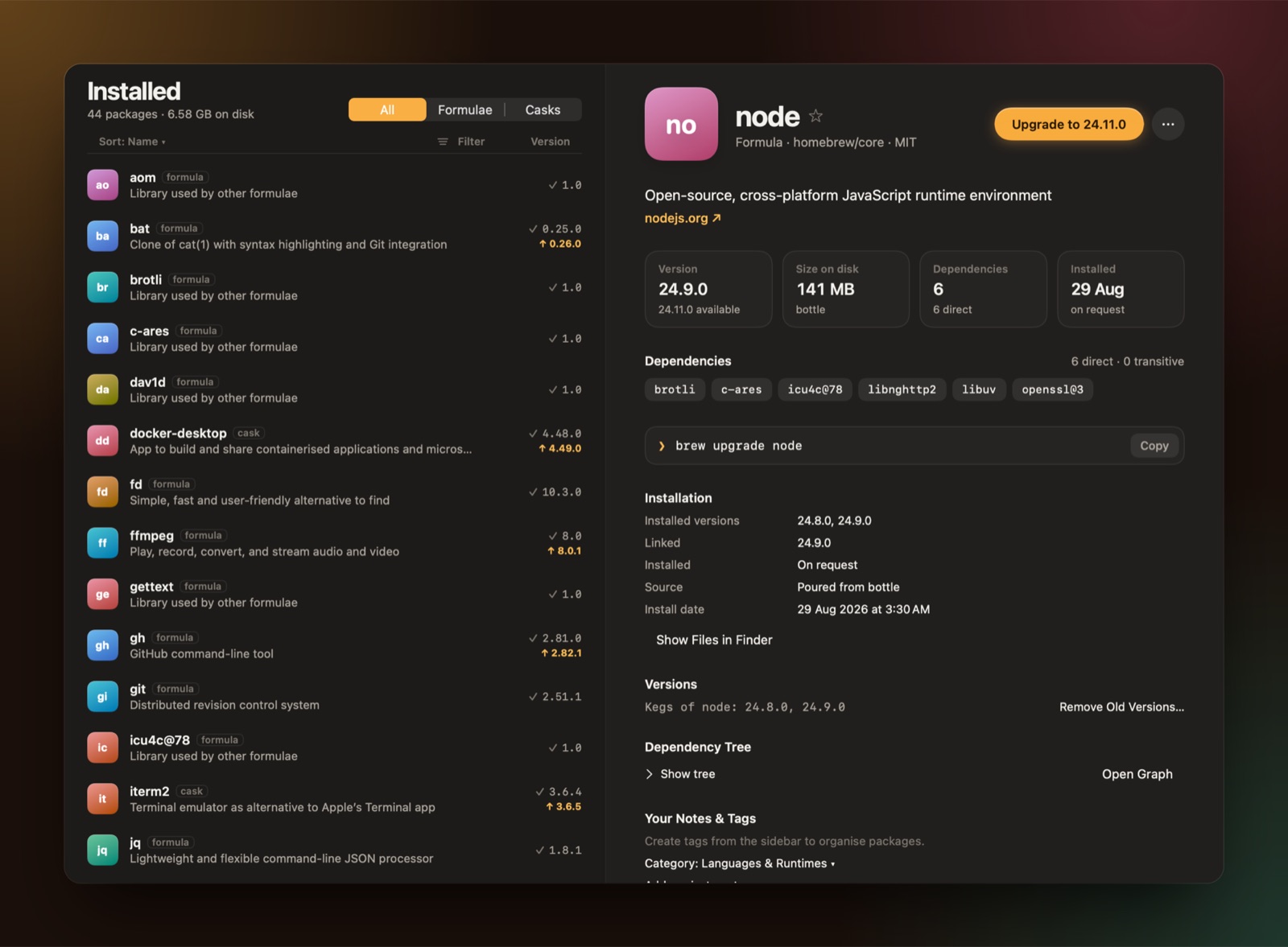
brew command behind each button.Where it stops
It needs macOS 26, which leaves out a lot of Macs that run Homebrew perfectly well. And because it reads Homebrew’s files directly, a big change in how Homebrew lays those out would need an update to Brewlight.
brew install --cask brewlightBrewlight is independent and not affiliated with Homebrew. The source is on GitHub.